
Ask Travis. Pay the bill. Get Emma into sailing camp.
Everything a member needs from the club, in one app, on one account. No portal. No password reset every spring. No phoning the office to ask something that is already written down.
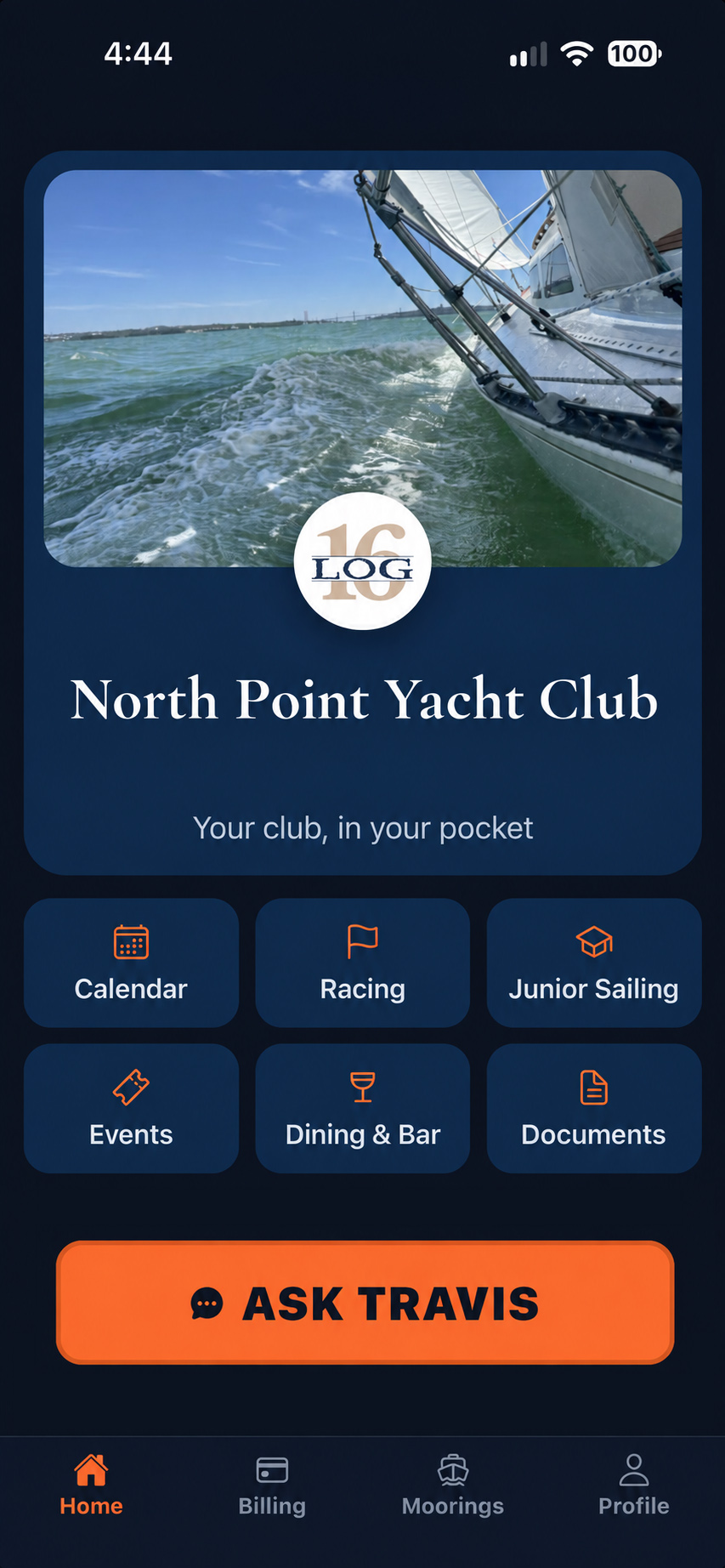
Your club, in your pocket.
Start with your club.
Your club’s name and colours, with the things members use every day: the calendar, racing, junior sailing, events and documents. Billing, moorings and your club assistant are right there too.
Ask the club.
Your club names the assistant itself. One club called theirs Travis, after the person members already ask. It answers out of your club's own material: what your dues cover, when the crane comes out, what is on this week, when the next sailing session runs. It is pointed at the member standing on the dock, not at the office.
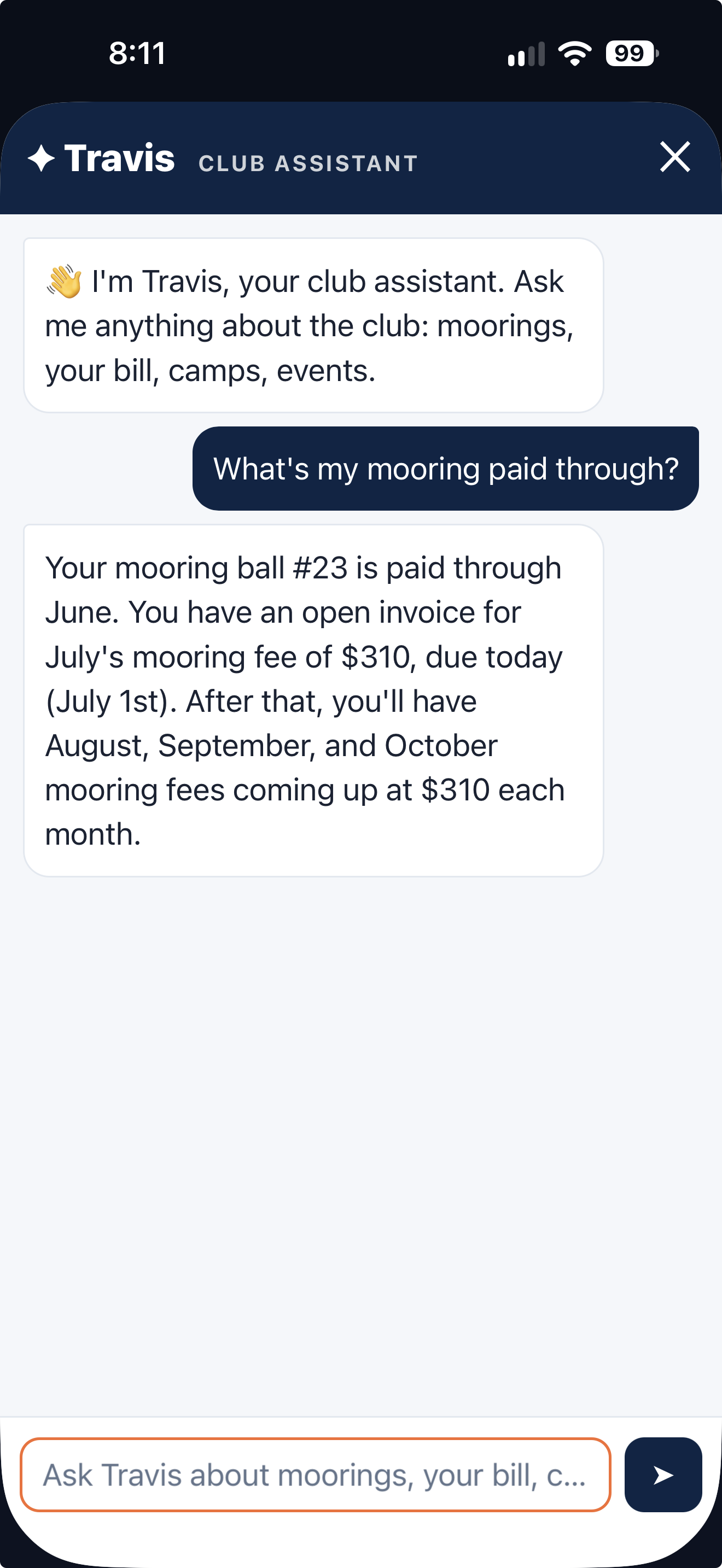
Ask Travis about your mooring bill and get a straight answer.
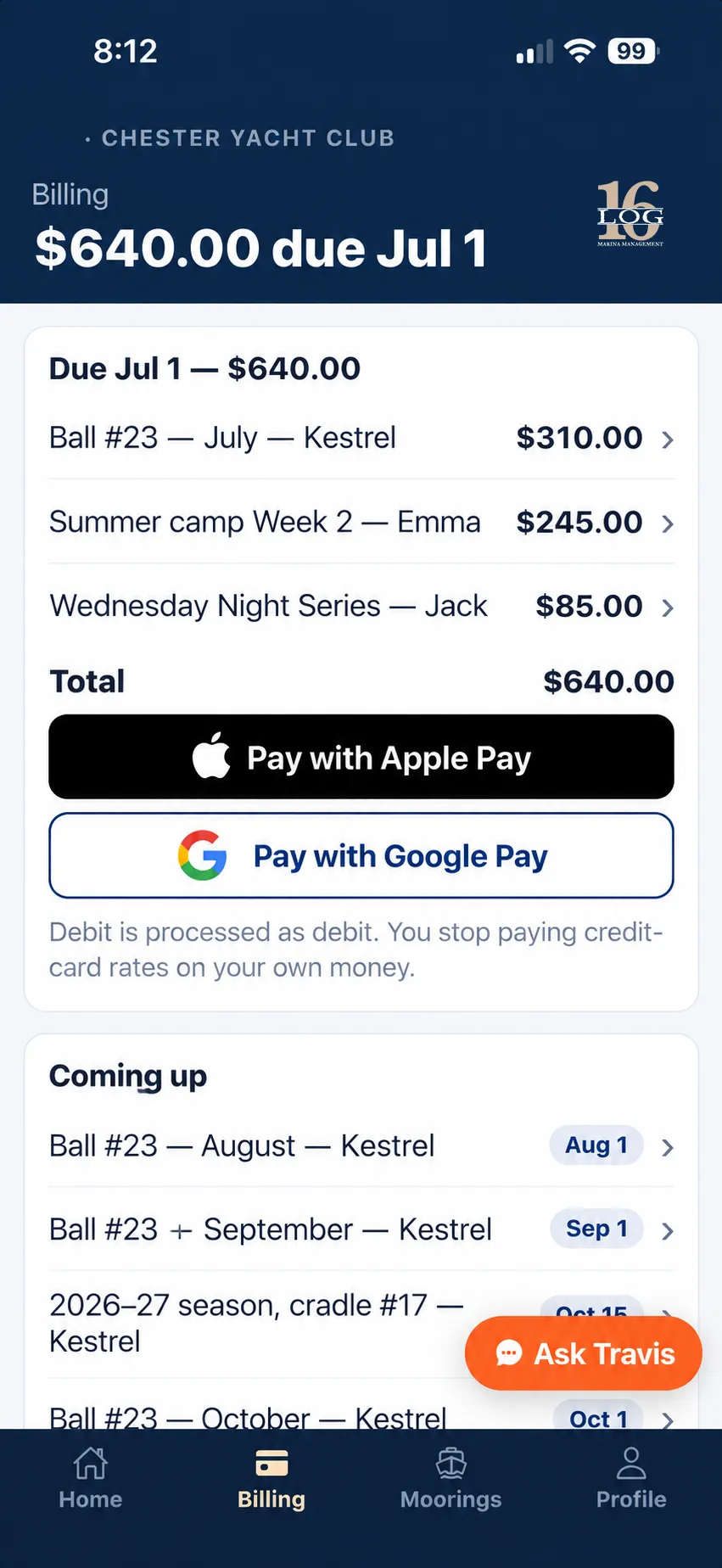
Every charge, what it's for, and what's coming next.
Dues, and what they cover.
Not just a balance. What the money is for, when the next one lands, and what has already been paid. A member who understands the bill argues with it less.
Pay in two taps.
Card, Apple Pay and Google Pay. The account already knows who you are and what you owe, so paying is a confirmation rather than a data-entry exercise.
Check the total, then pay in two taps.
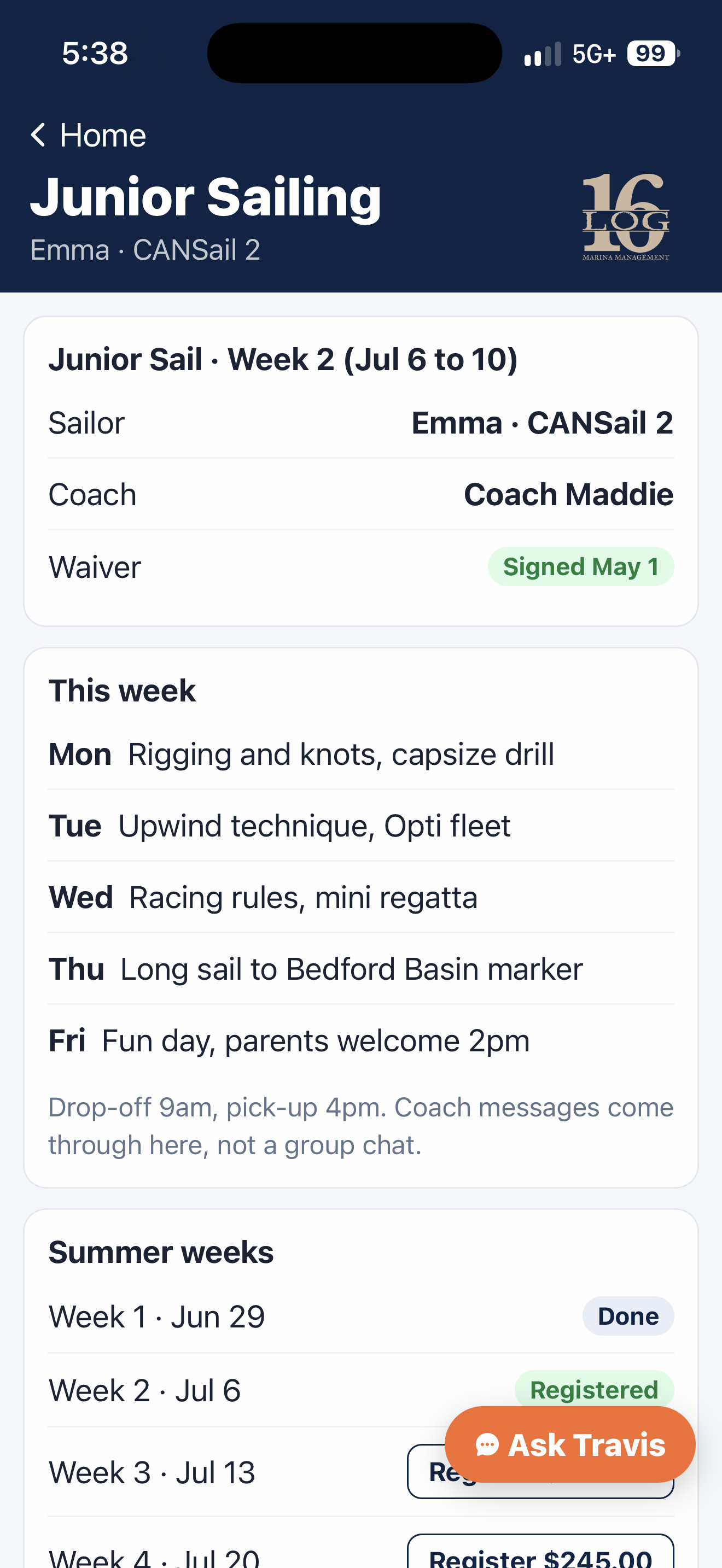
Session dates, prices and registration in one place.
Sign Emma up for sailing camp.
Real session dates, real prices, real availability, and where your child sits on the waiting list for next year. Registration and payment on the same account as everything else.
Moorings and winter storage.
Your slip, your ball, your cradle, your haul-out date.
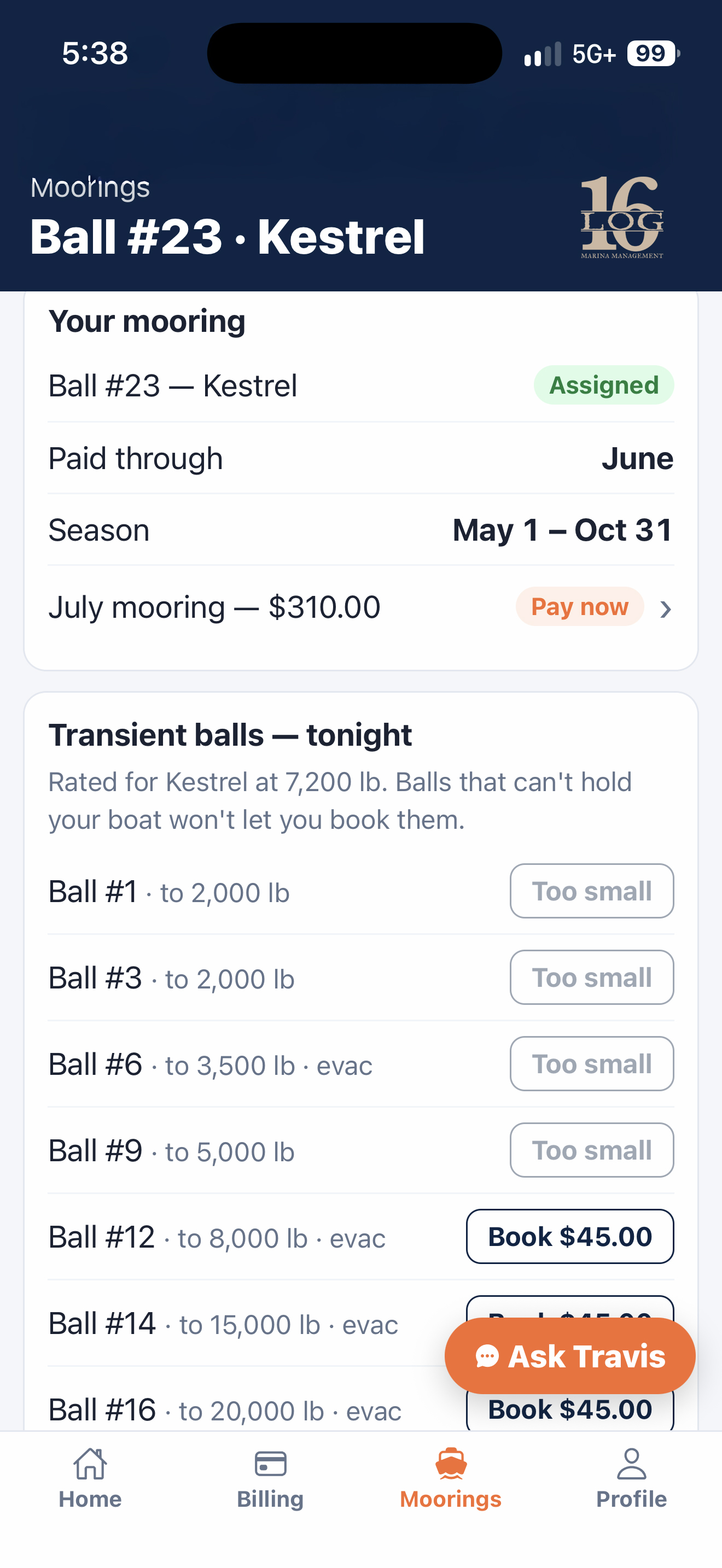
Your ball, your cradle, your dates.
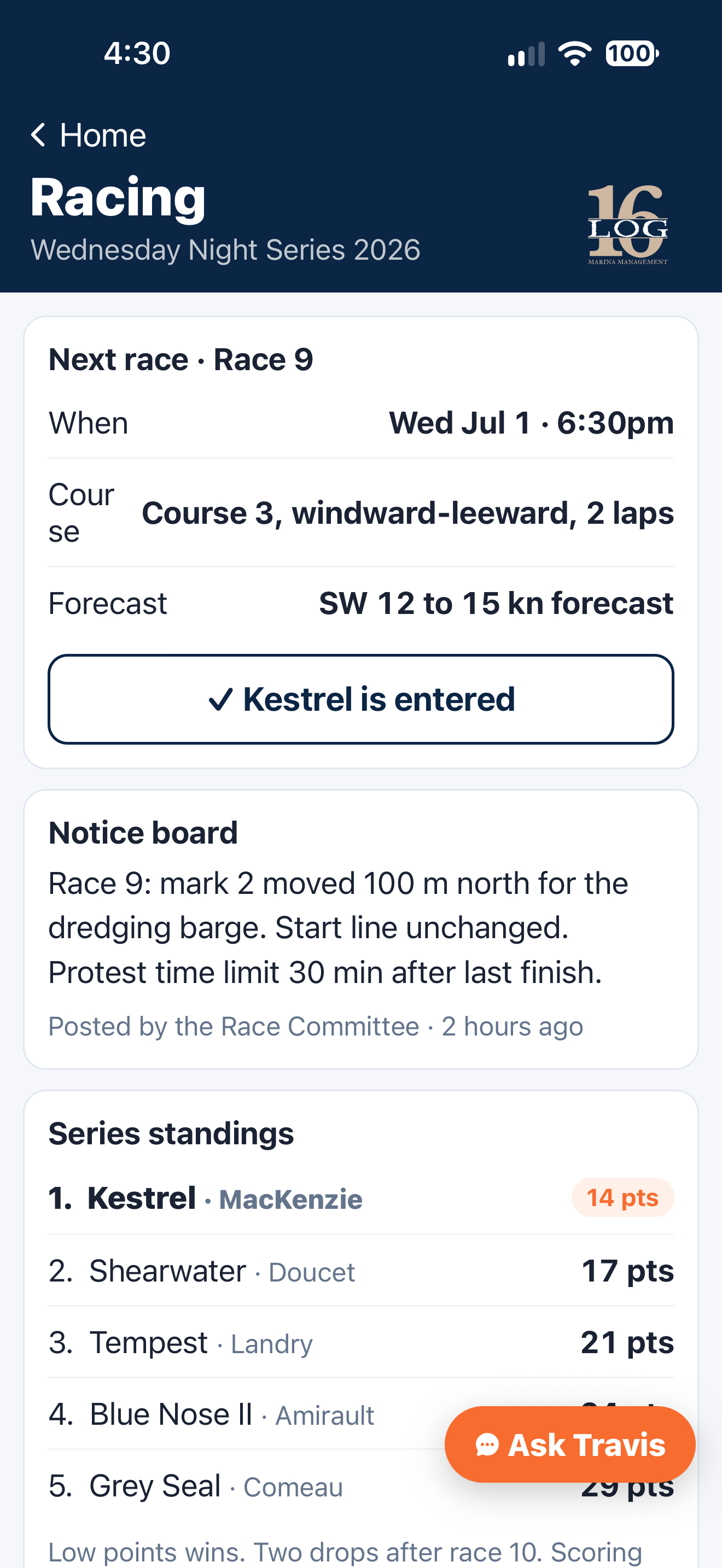
Race notices, results and standings.
Racing.
The calendar, the series, the results. The same calendar the club publishes on its website, because there is only one of them.
Events and the clubhouse.
What is on, and the bar and dining menu.
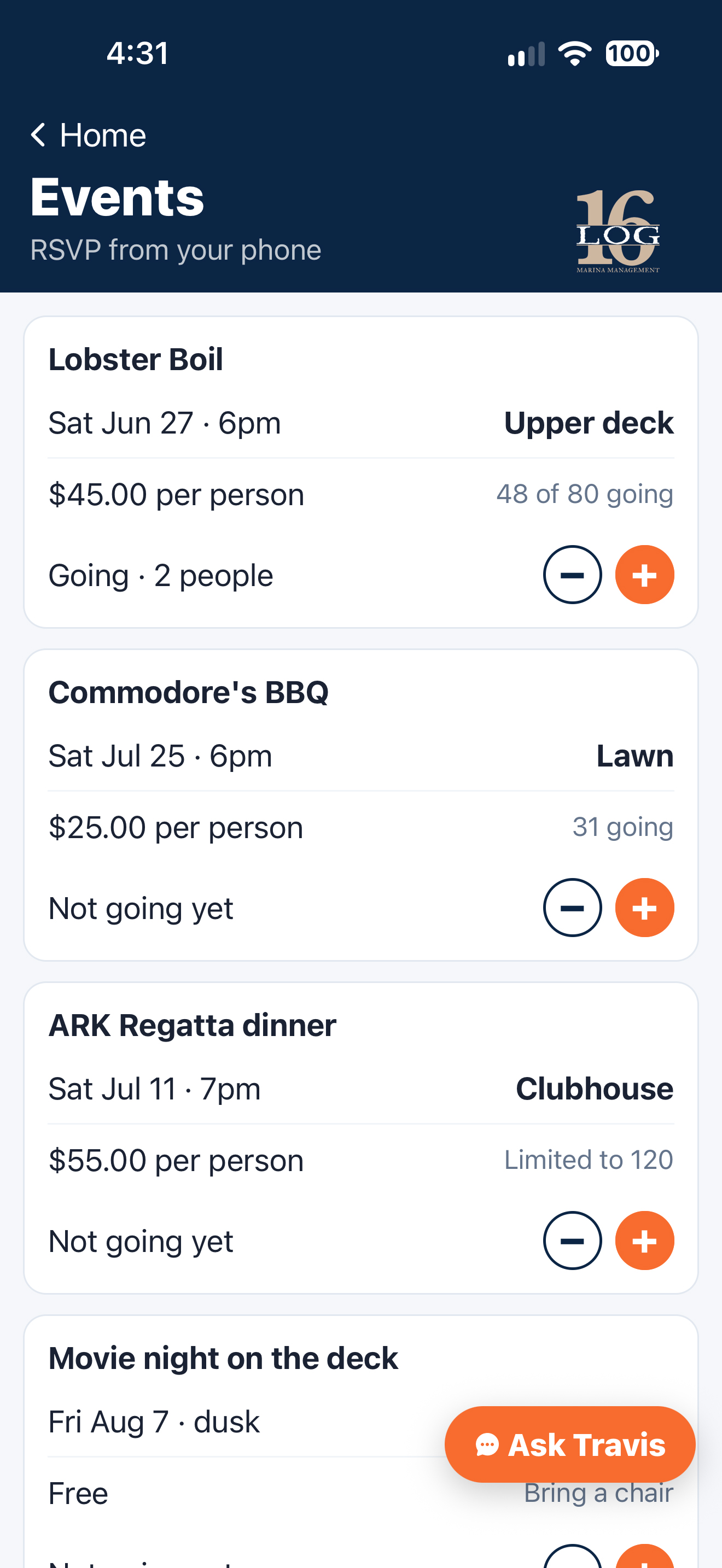
What's on at the club, and who's going.
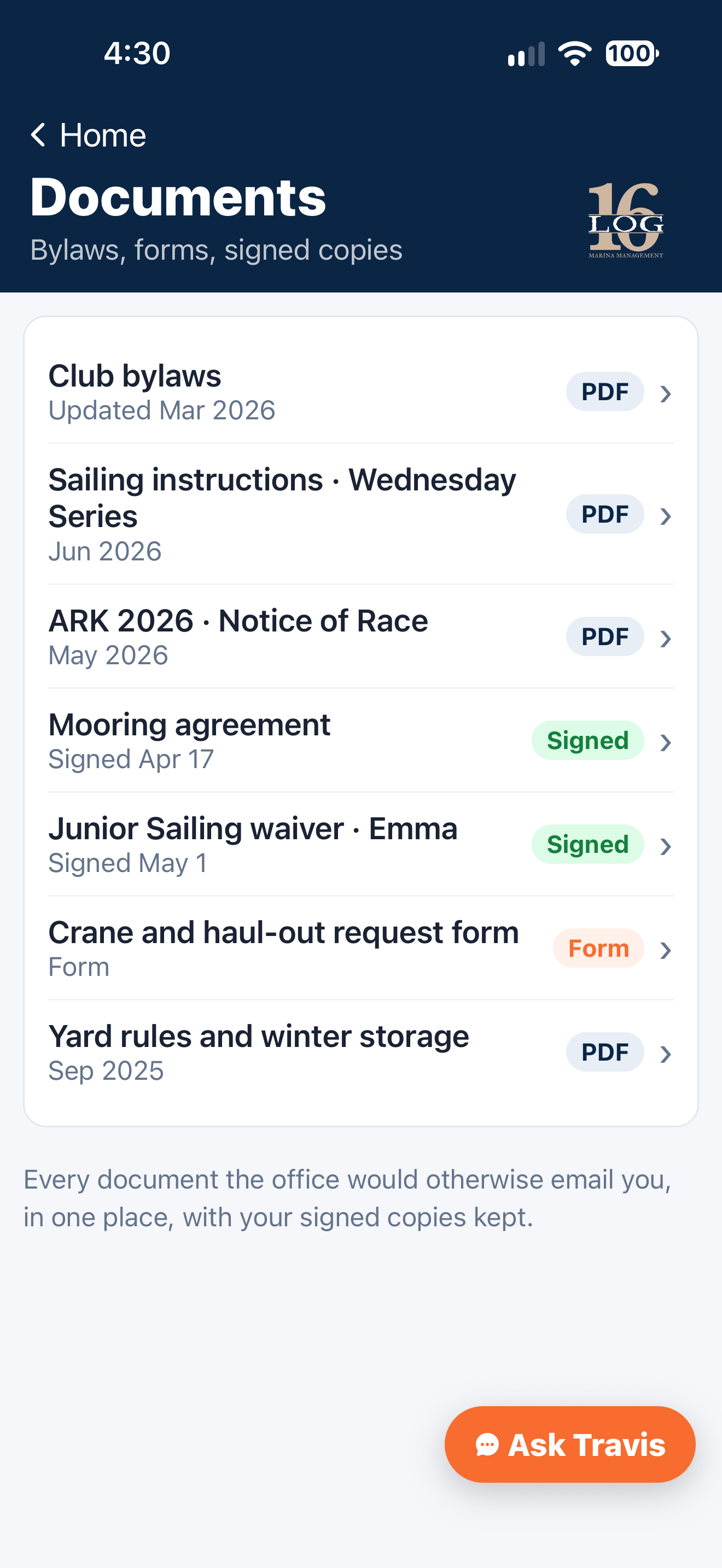
By-laws, yard rules and the forms you've signed.
Club documents.
The by-laws, the yard rules, the race instructions. Where a member can find them rather than where the office has to send them.
A club-branded app, under your club's own name.
Each club gets its own name, colours and icon, backed by the same maintained platform underneath.
What it actually means.
Each club gets its own Apple App Store and Google Play listings, app icon, colours, assistant name and splash screen. Underneath is one maintained platform rather than a one-off build.
What it is not.
A portal you log into through a browser. A generic app where you pick your club from a dropdown. A white-label shell with your logo in the corner and somebody else's name on the listing. Those all exist. This is not one of them.
How a club gets one.
You send colours, your crest and your assistant's name.
We build your club's configuration and artwork.
The app goes to Apple and Google for review under your club's name.
Once each store approves it, members download it from the Apple App Store or Google Play. TestFlight on iPhone and Google Play testing on Android let your board try it first.
The configurator.
The panel that drives the club app. Colours, artwork, assistant name, which screens a club turns on.
Interactive Demo
JPG, PNG or WebP, up to 5 MB. Images stay in this browser preview.
Illustrative preview only. Changes here are not saved to a club.


North Point Yacht Club
Your club, in your pocket